
DaVinci Resolve
Integration with Davinci Resolve
Rougegorge Subtitles is designed to fit naturally into a DaVinci Resolve workflow. Export your subtitles in one click — no conversion steps, no intermediary tools.
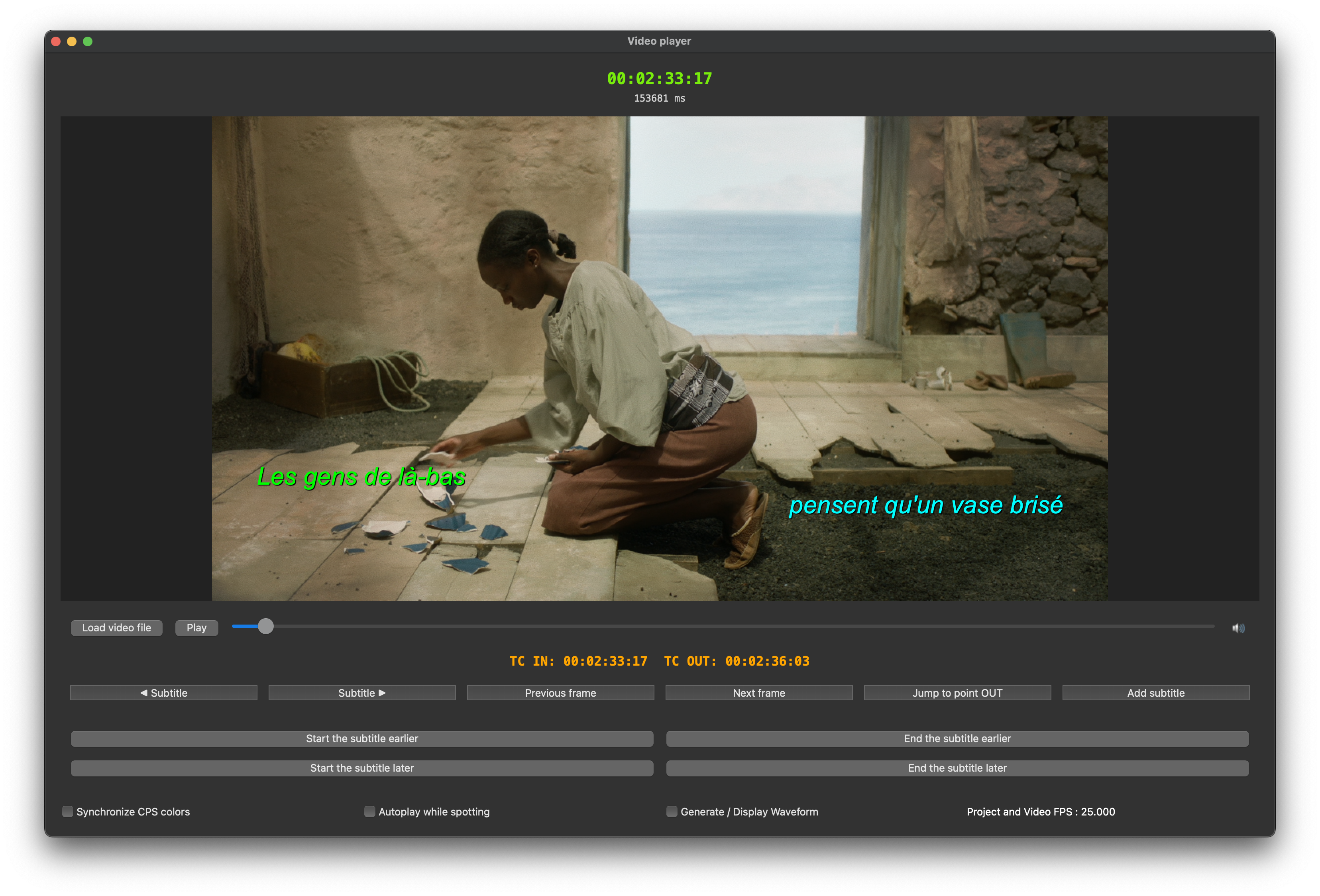
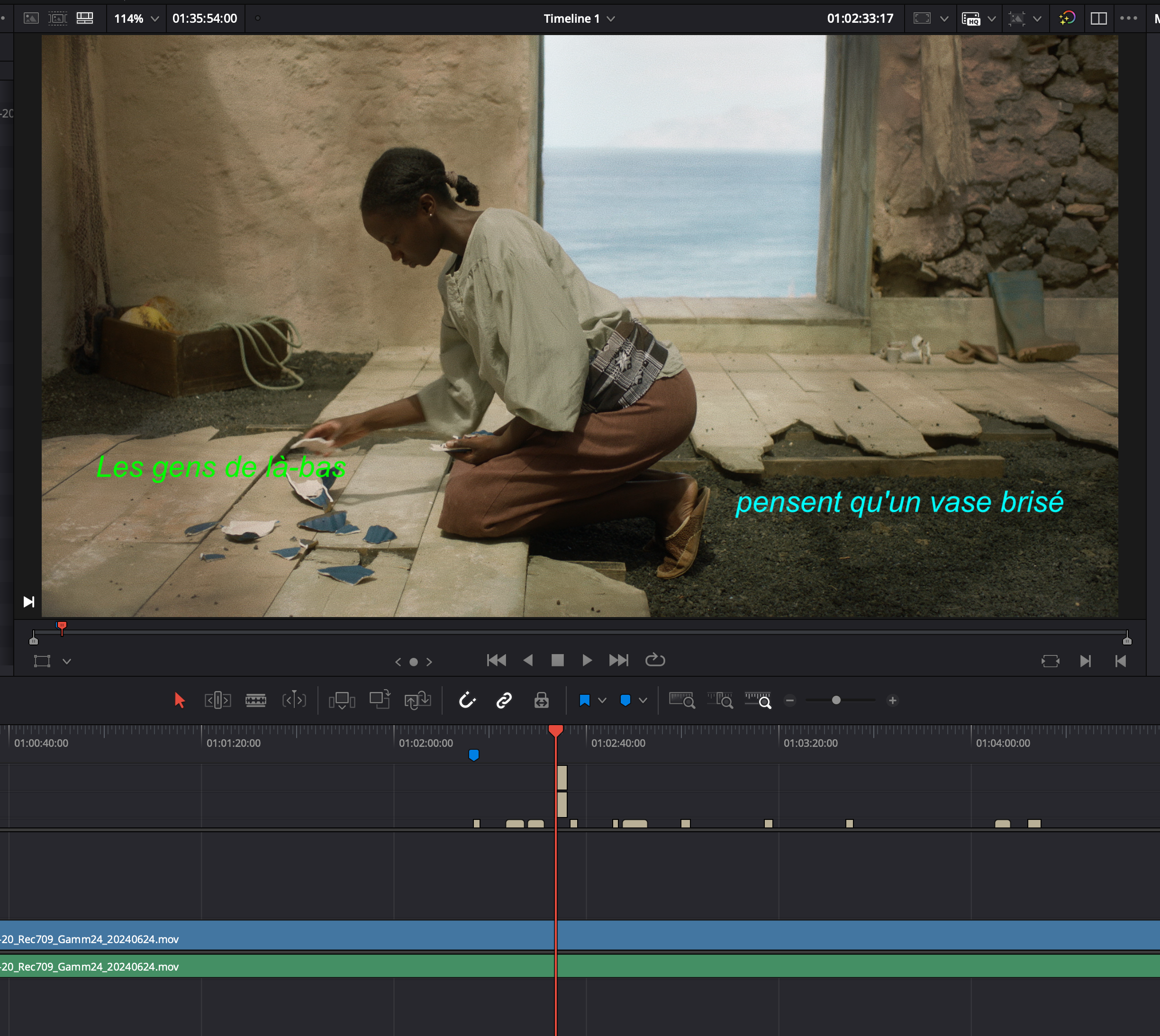
What you see is what you get — in Resolve too When you import your subtitles into DaVinci Resolve, the positioning, timing, and styling are preserved exactly as they appear in the Rougegorge Subtitles player. No manual realignment, no timing drift. One export, one import, done.
Four ways to get your subtitles into Resolve
OTIO — OpenTimelineIO, the open standard for timeline exchange, natively supported by DaVinci Resolve. Ideal for round-trip workflows between applications.
TTML — Timed Text Markup Language. A widely supported format for subtitles with full styling and positioning metadata.
ProRes 4444 — A fully rendered subtitle track with alpha channel, frame-accurate and ready to drop onto your timeline. The simplest option when the subtitle design is locked.
PNG sequence — One image per subtitle, with transparency, ready for compositing directly on your Resolve timeline. Perfect for broadcast deliverables requiring pixel-accurate rendering.
Contact Info