
Features
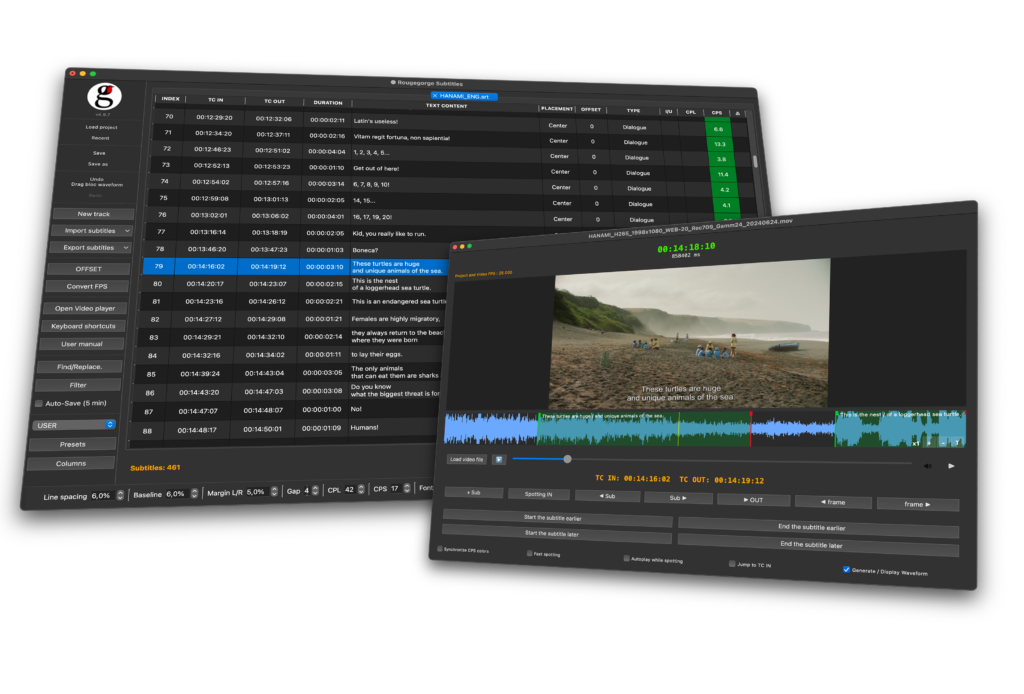
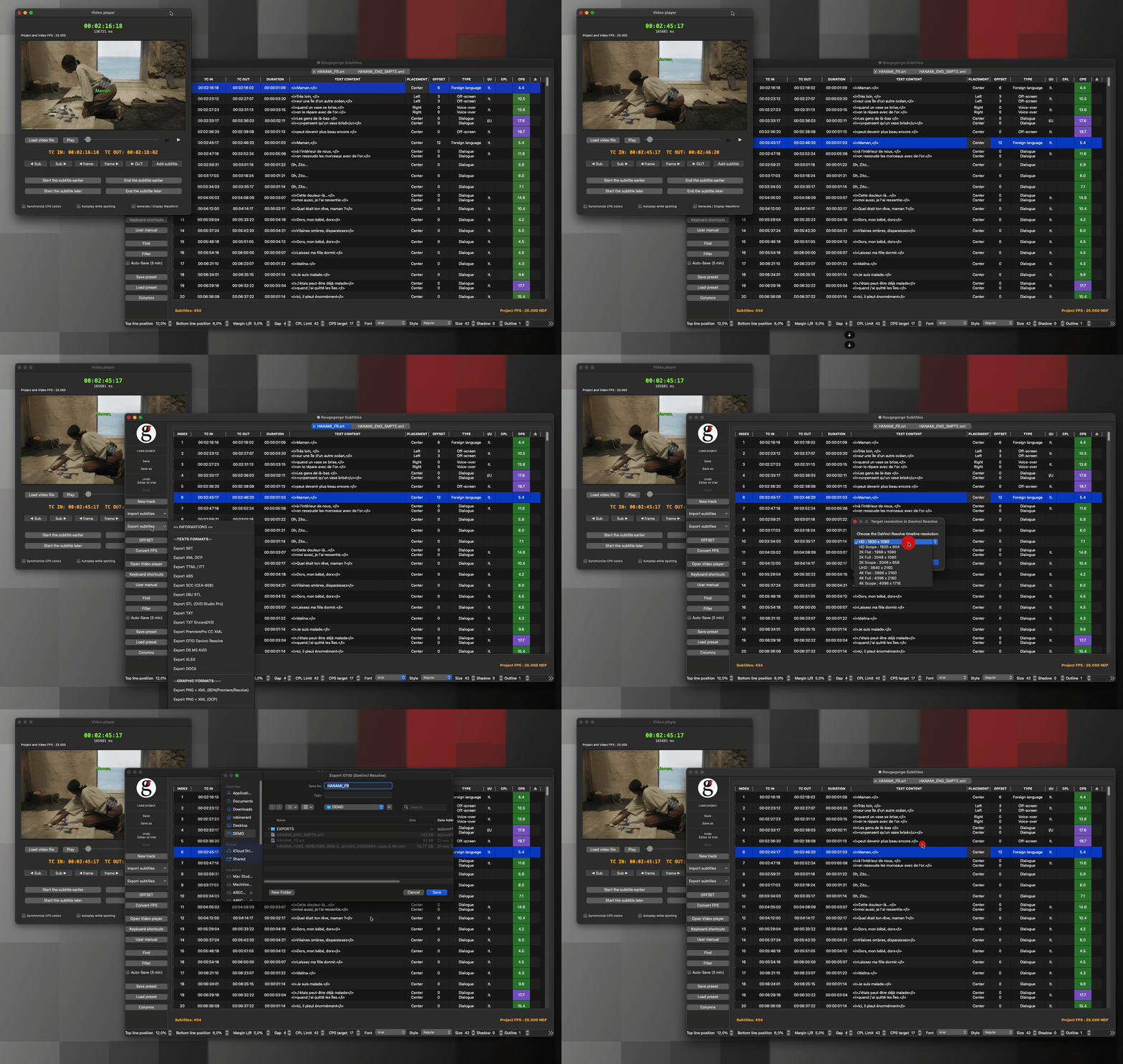
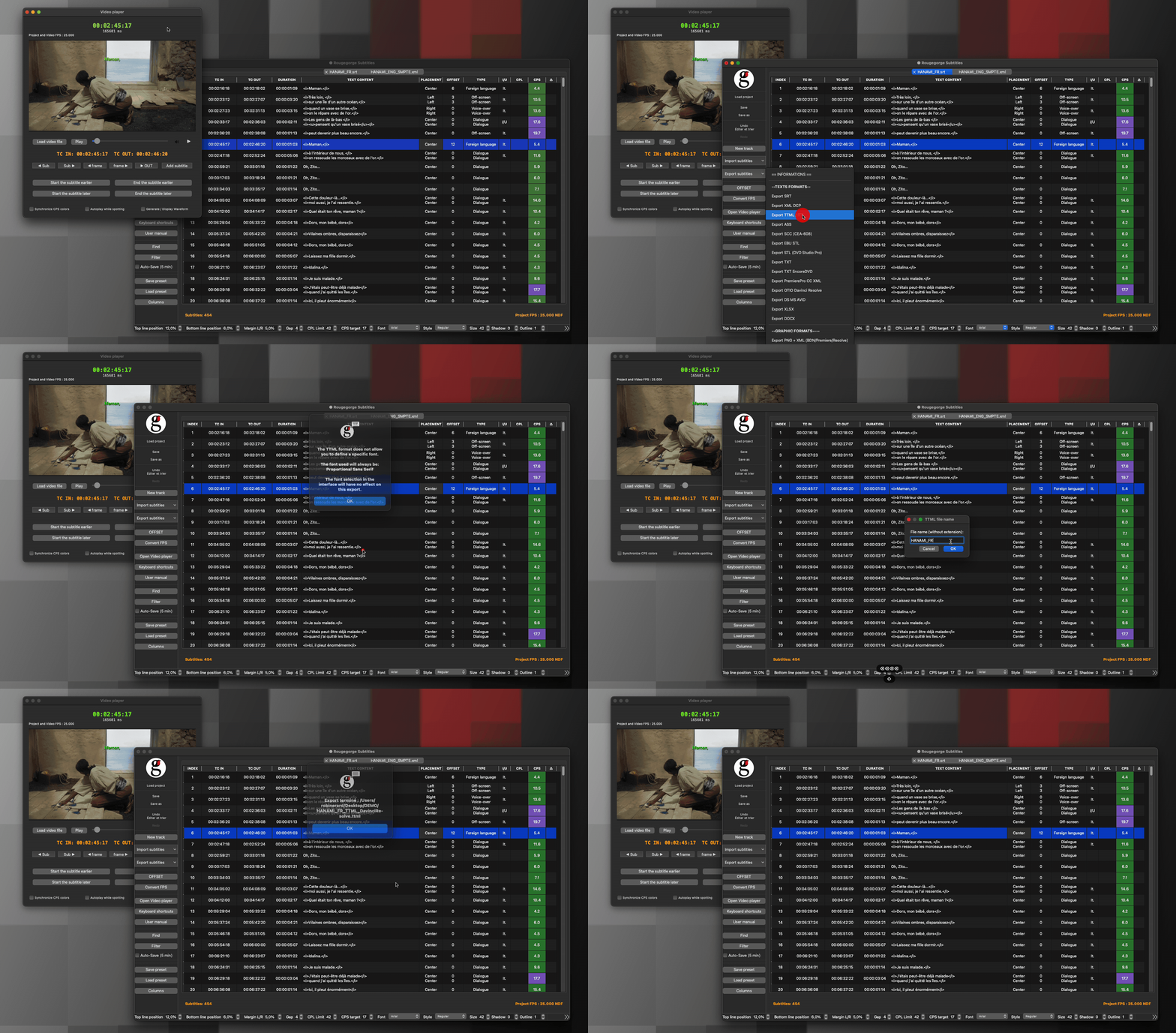
Import & Export everything Rougegorge Subtitles reads and writes all major subtitle formats — SRT, EBU STL, TTML, SCC, ASS, DCP (SMPTE & Interop), OTIO, Final Cut Pro XML, Adobe Premiere XML, and more. Whatever your workflow, you’re covered.
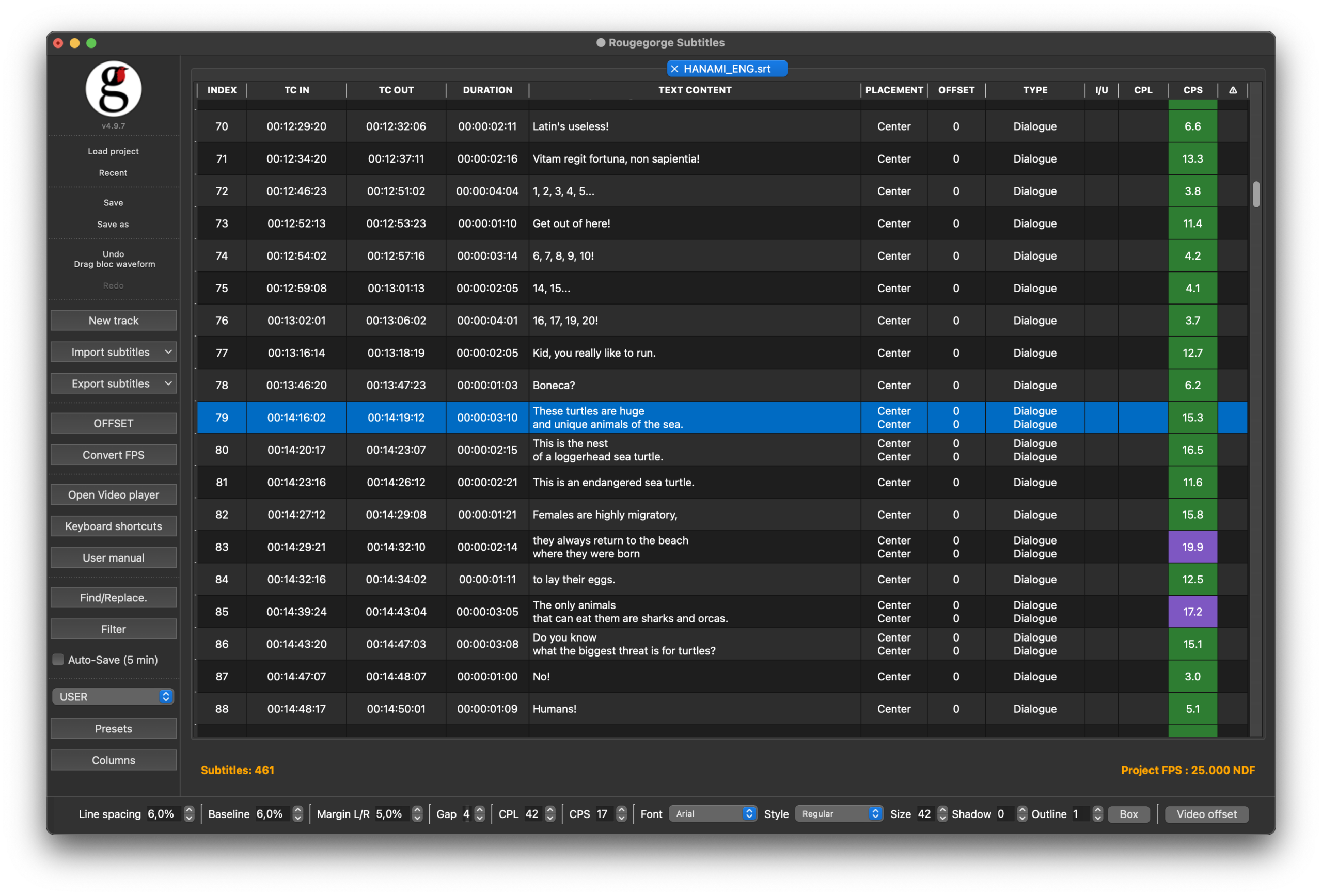
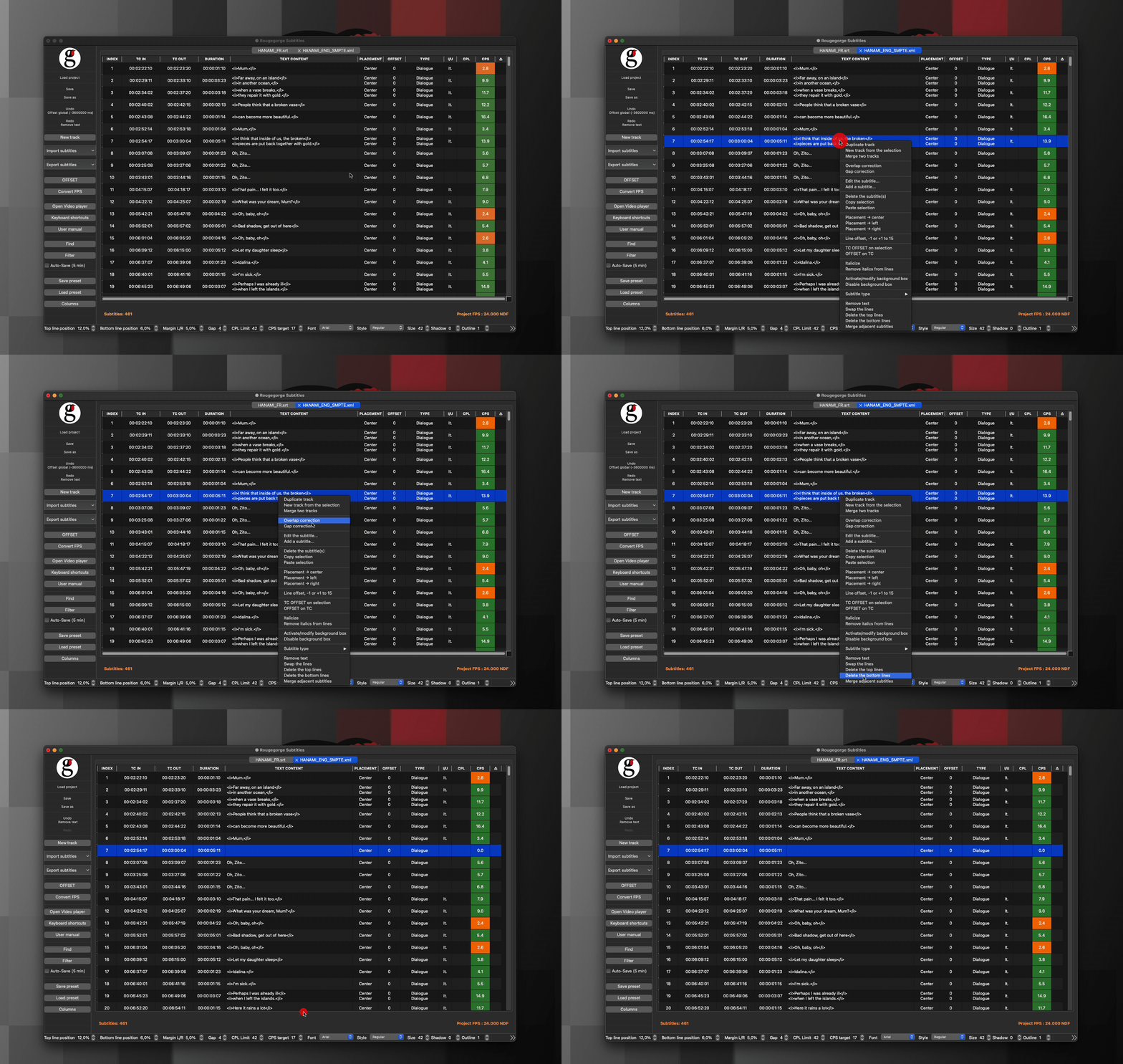
A subtitle editor that thinks like you Edit timecodes, text, and metadata directly in a clean table view. Drag subtitle blocks on the waveform to adjust timing intuitively. Color-coded blocks show reading speed at a glance.
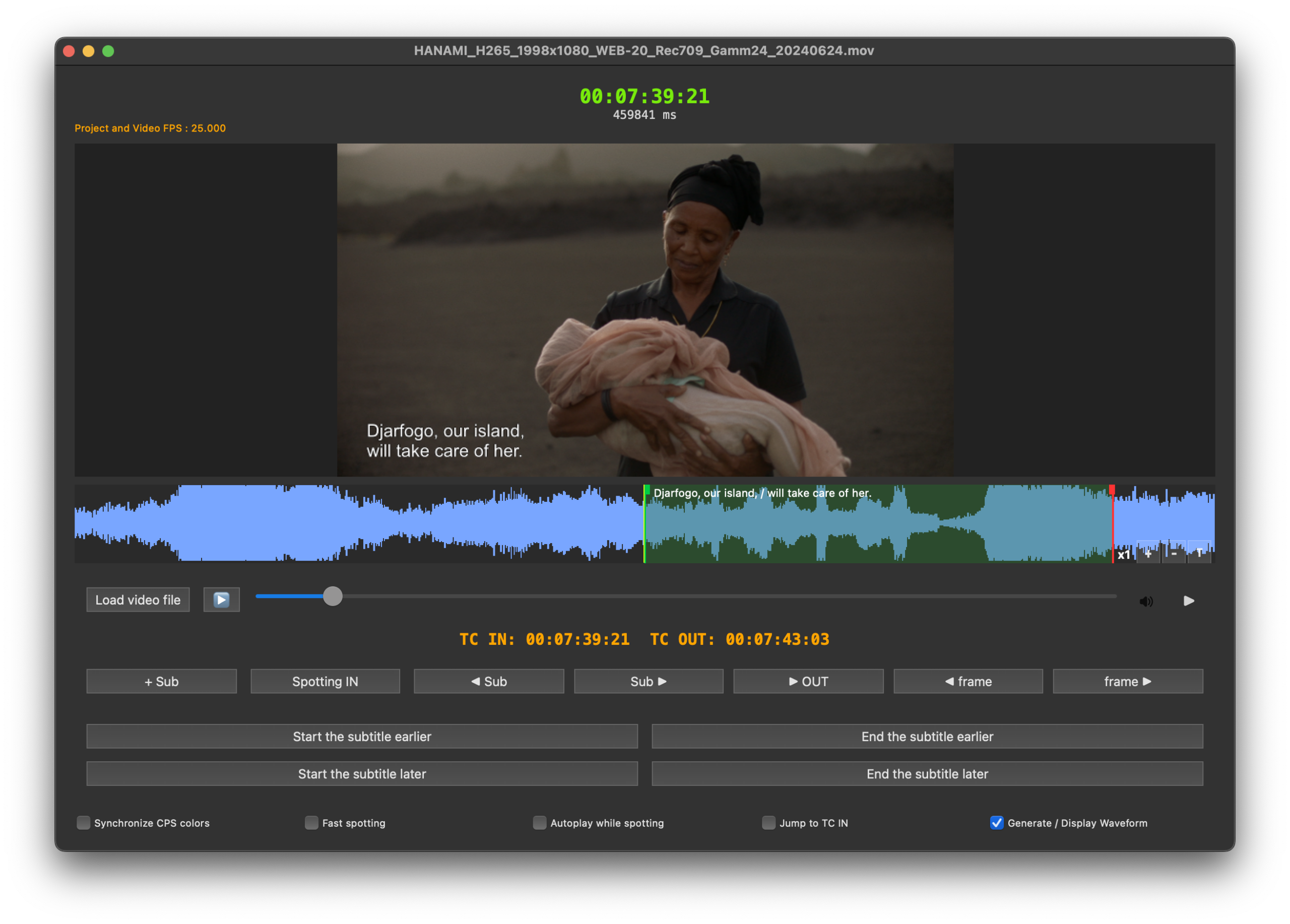
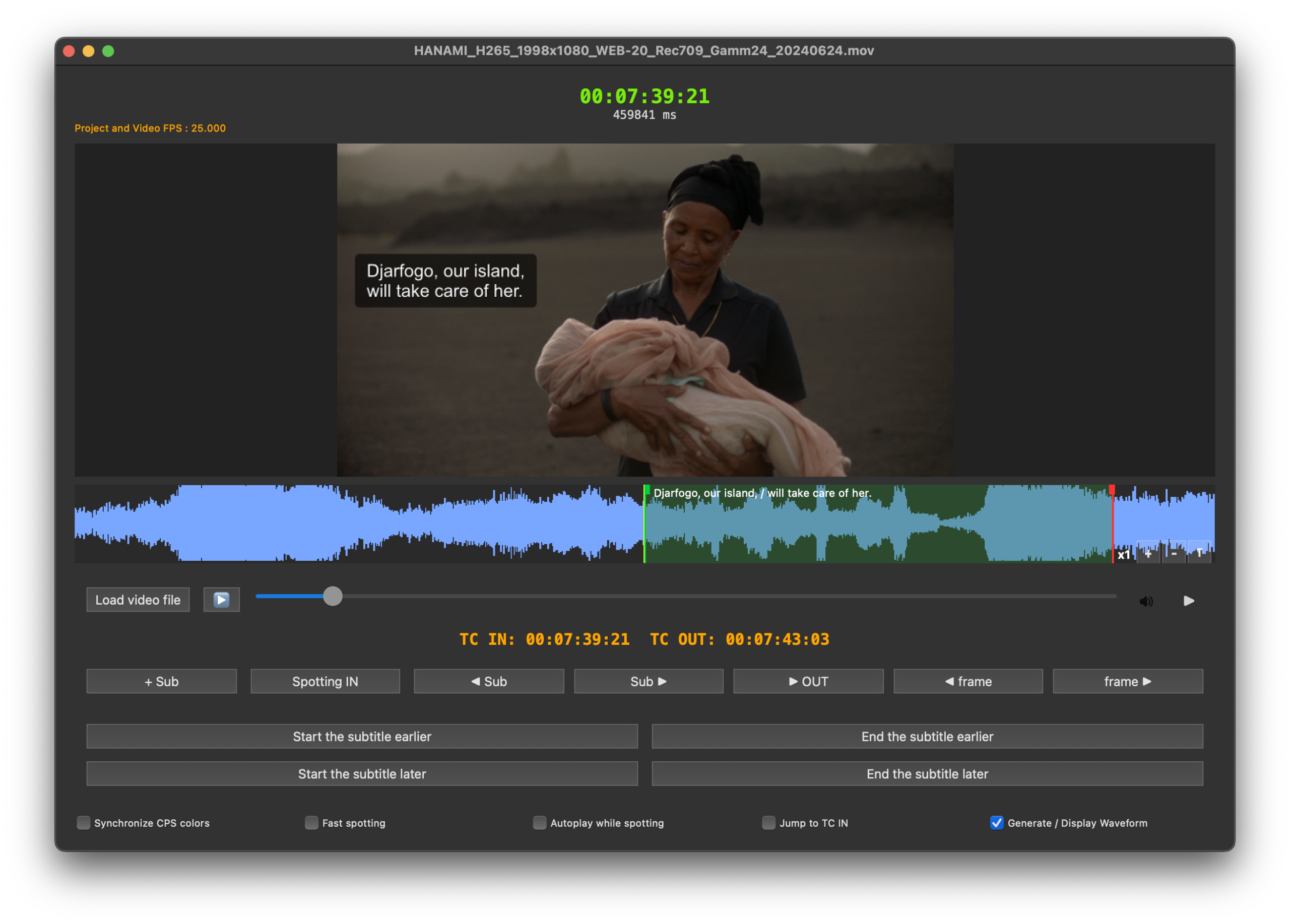
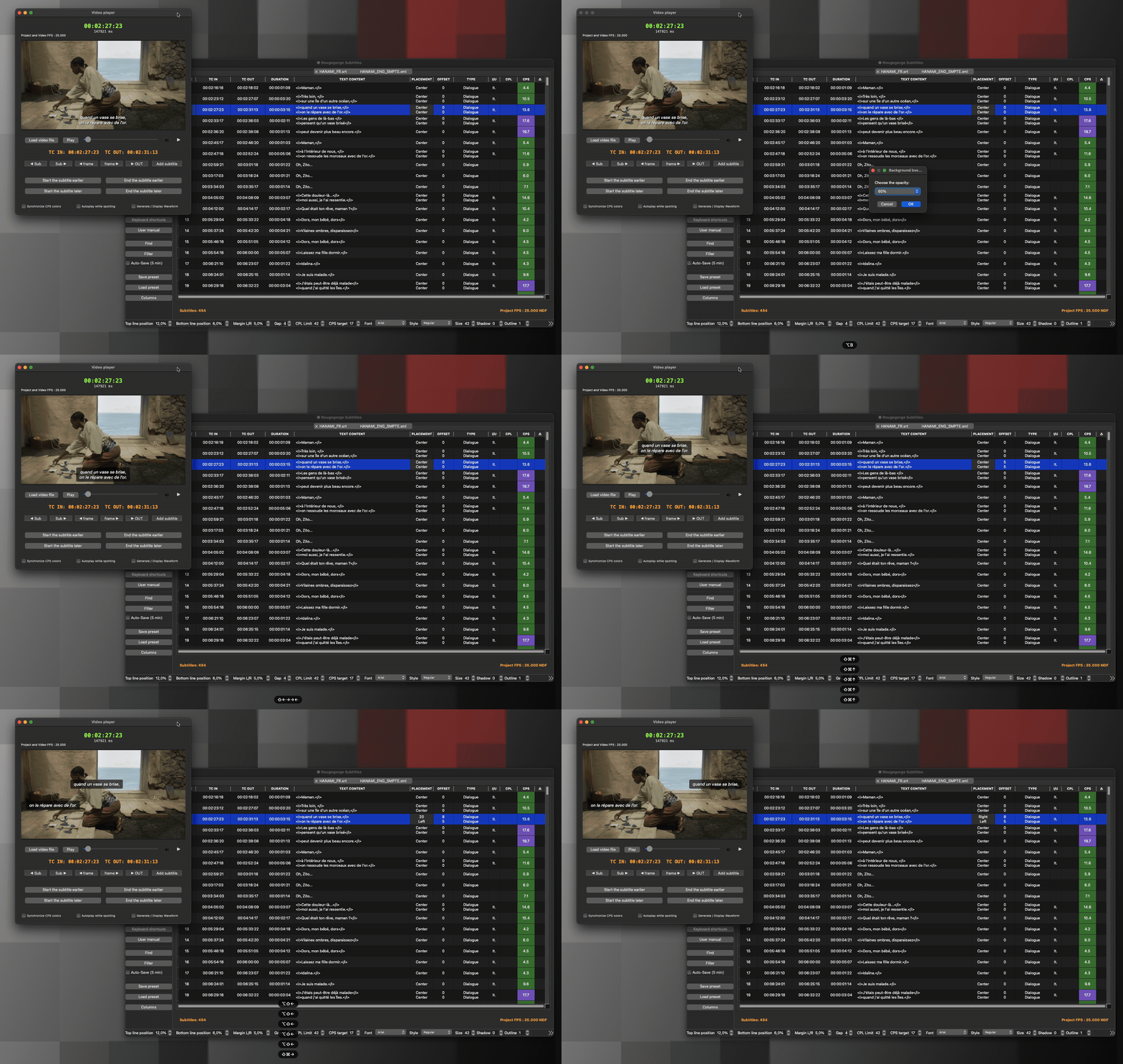
What you see is what you get The built-in video player renders subtitles exactly as they will appear — in a cinema projection room or on a broadcast monitor. No surprises on delivery day.
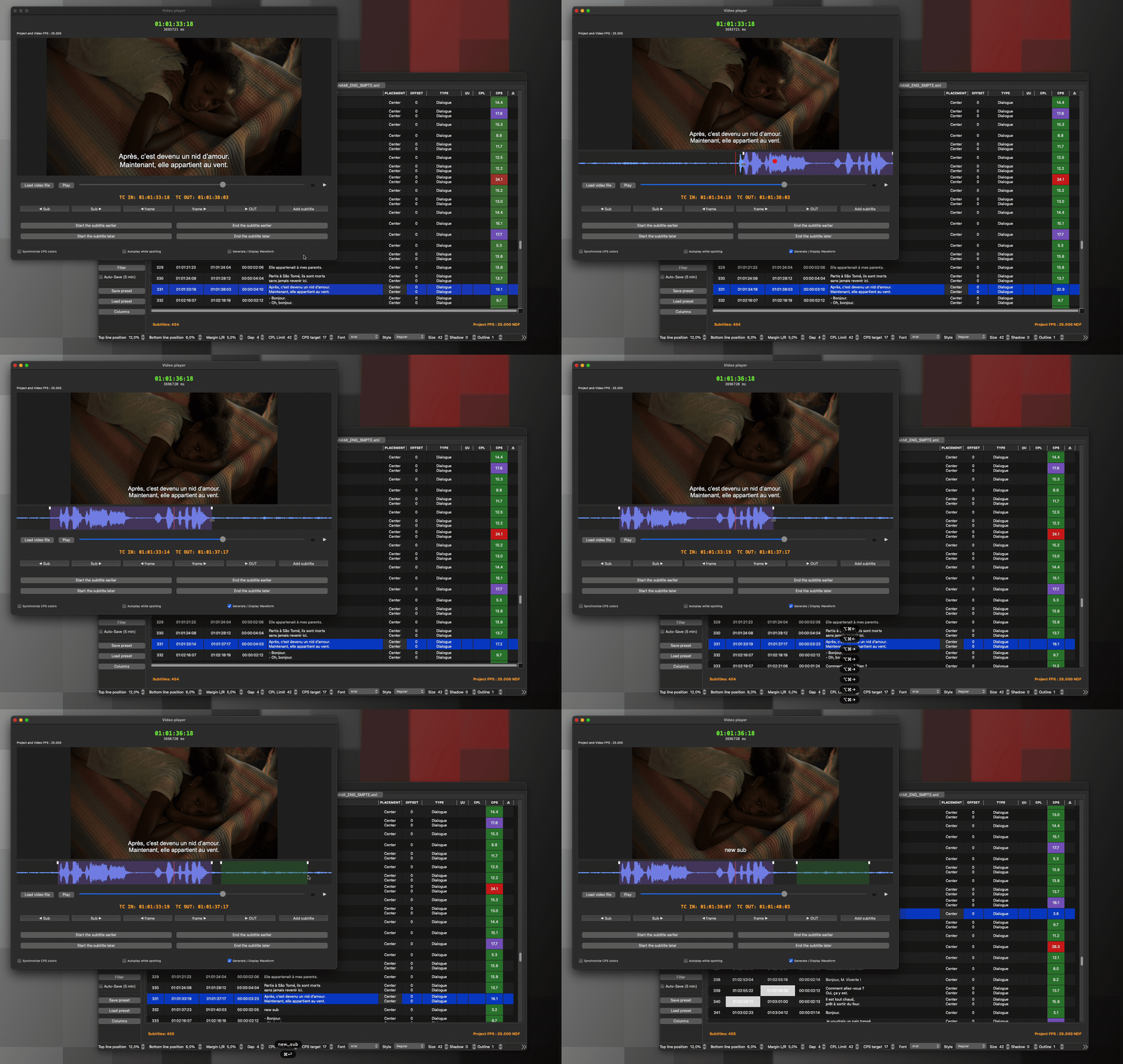
Waveform & video playback Load your video and navigate frame by frame. The waveform updates progressively and stays in sync with your subtitles.
SDH — Subtitles for the Deaf and Hard of Hearing Rougegorge Subtitles fully supports SDH subtitling workflows. Source identification, sound descriptions, and formatting conventions are handled natively, making it a reliable tool for accessible content delivery.
DCP subtitles made simple Export SMPTE and Interop DCP subtitle directly, with full control over font, size, color, position — no third-party tool required.
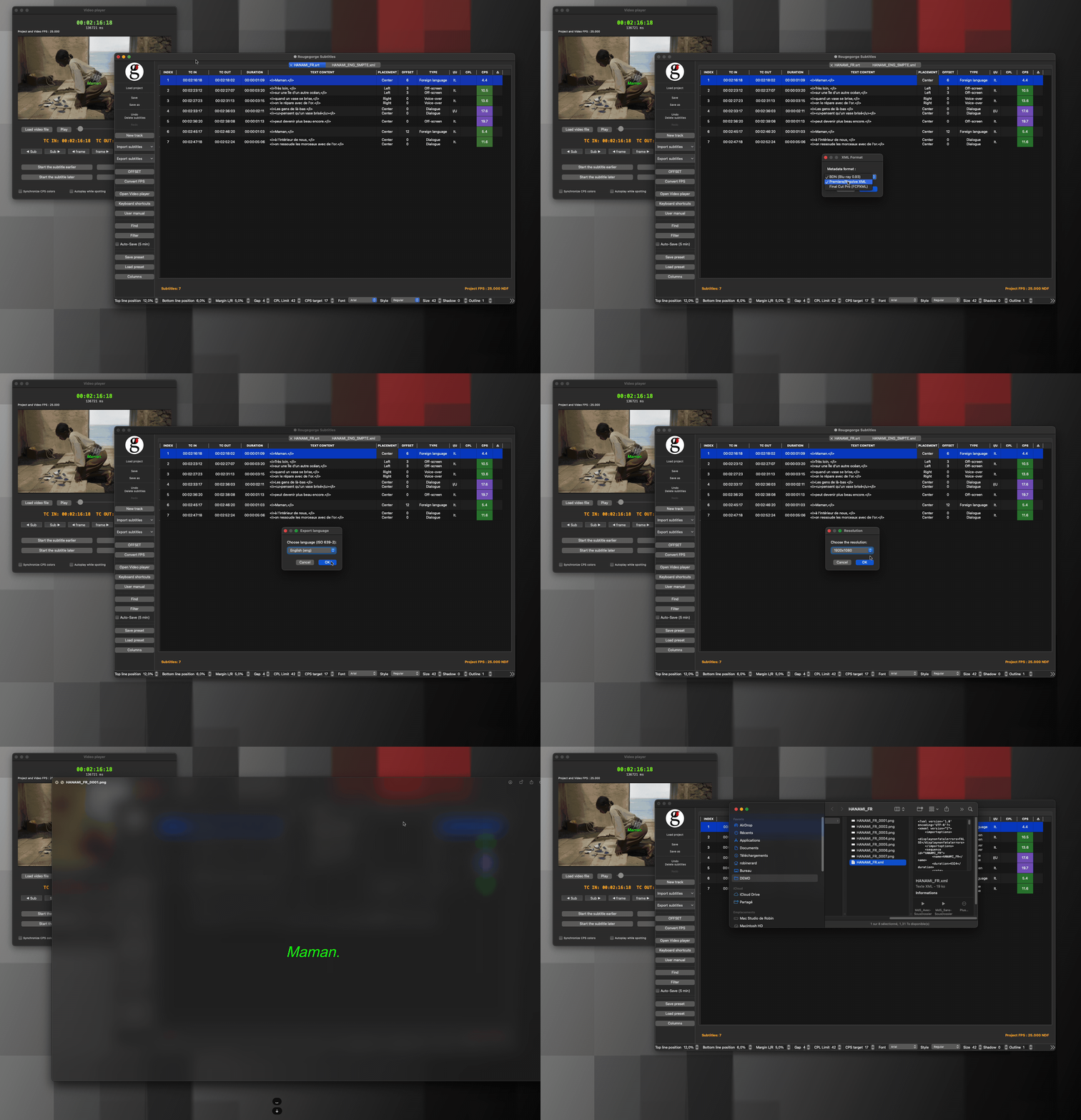
PNG subtitles for broadcast Burn subtitles as PNG image sequences with precise positioning, ready for broadcast or cinema delivery.
Built-in spell checker A spell checker supporting 100+ languages via open-source Hunspell dictionaries.
Designed for macOS Native macOS app — fast, lightweight, no subscription, no cloud, no unnecessary complexity.
and more…
A clean and simple interface
Available in French and English.
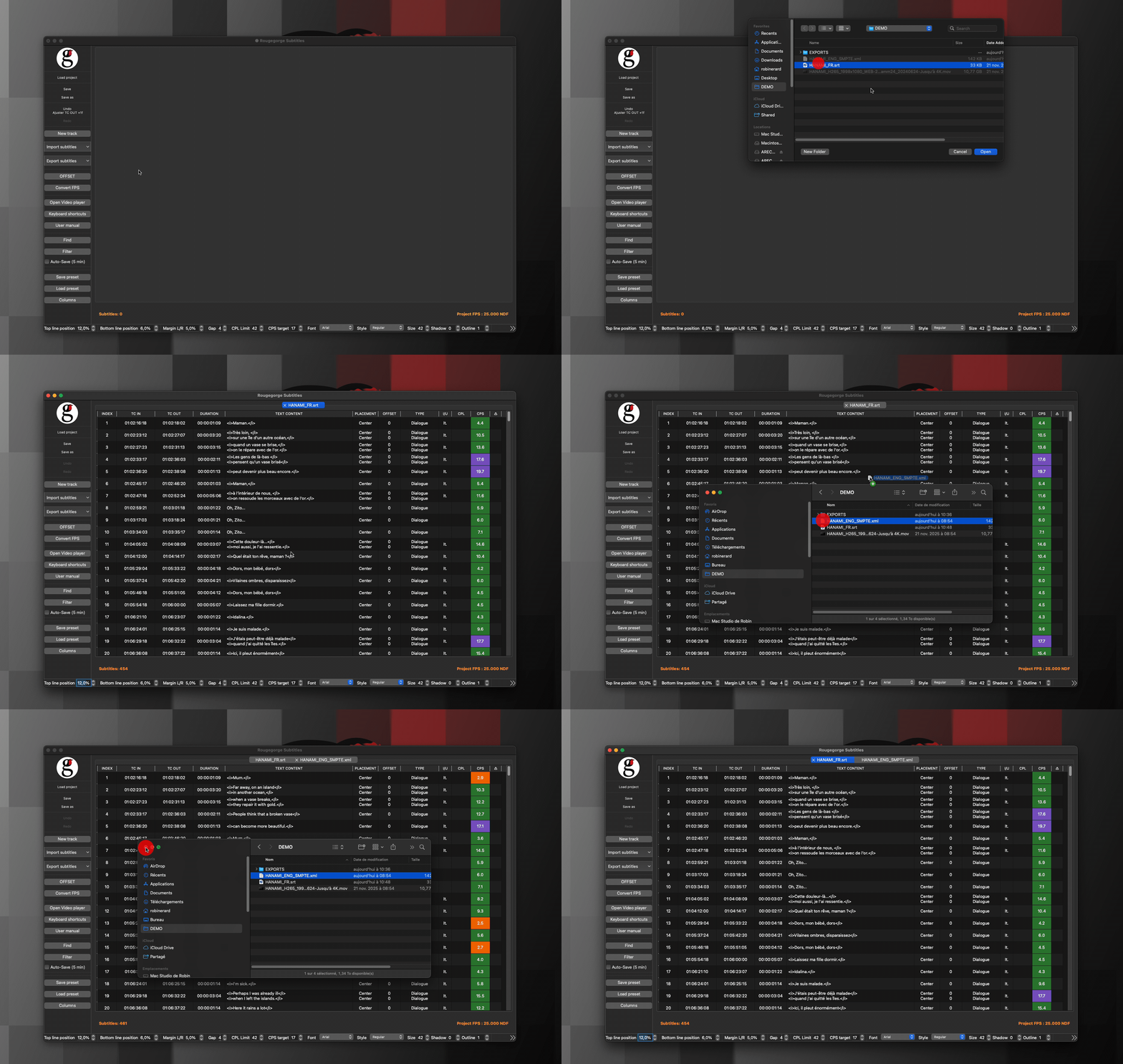
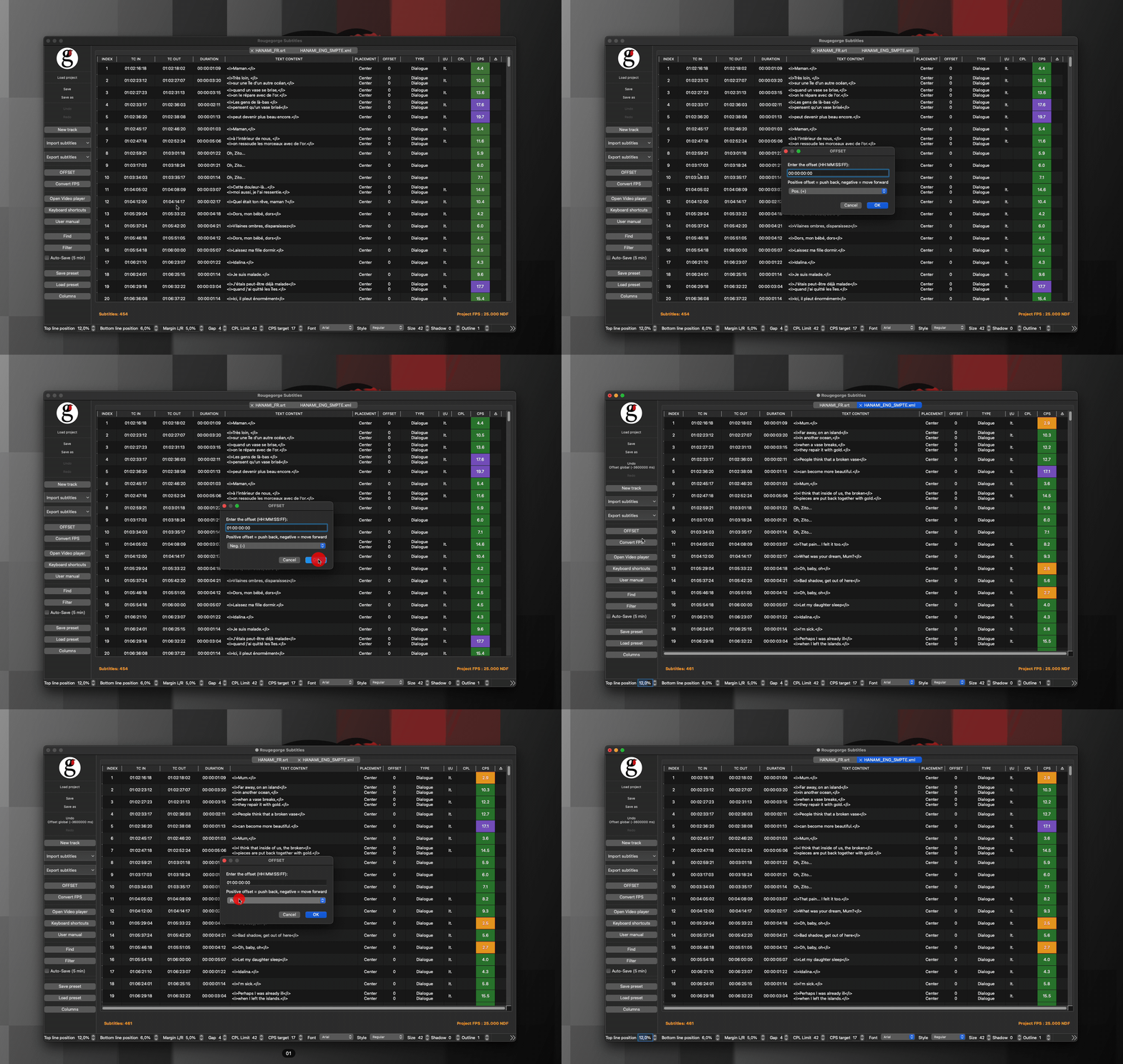
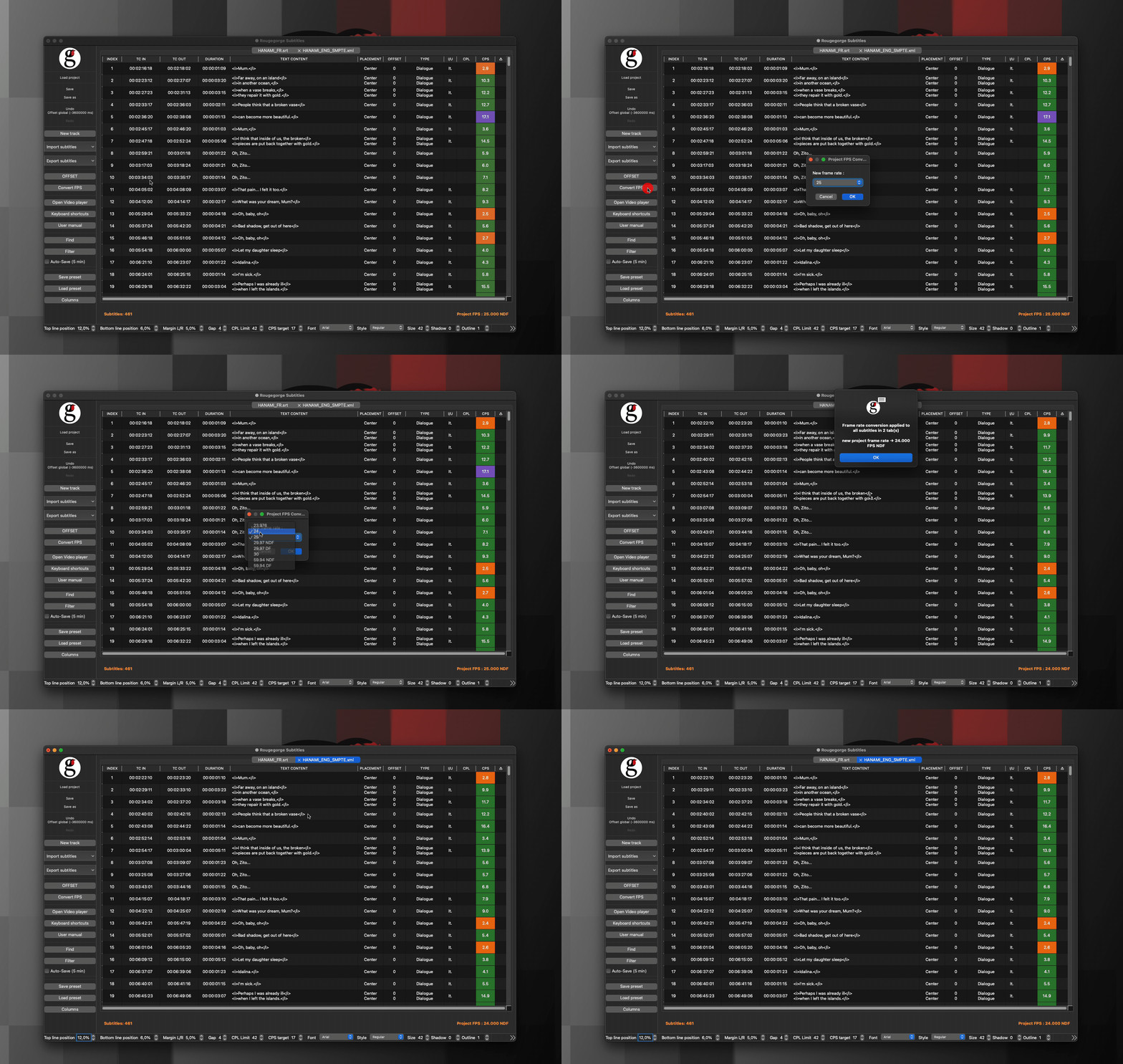
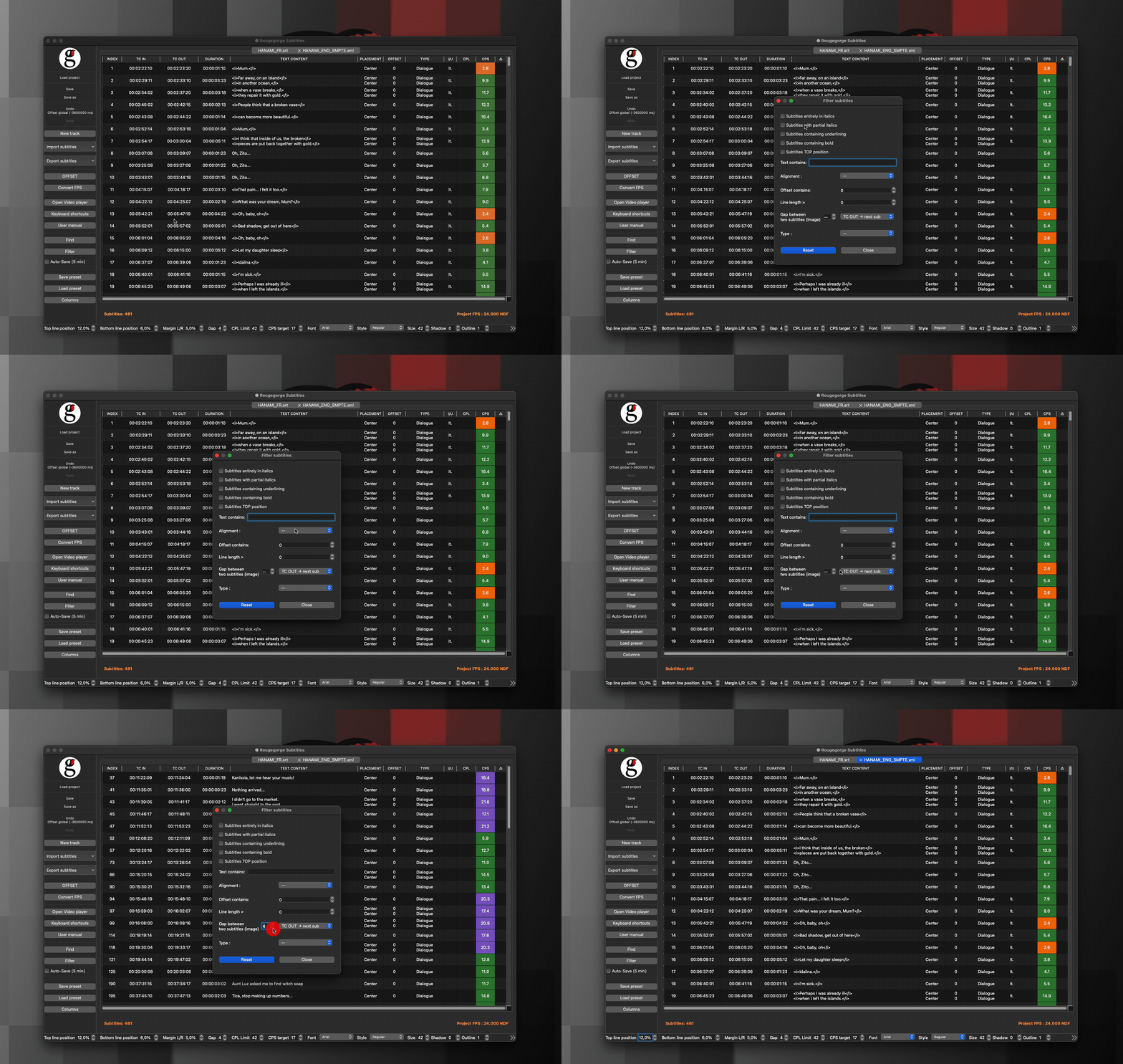
The interface is clean by design — every element you see has a purpose. No toolbars cluttered with features you’ll never use, no preference panels burying the settings you actually need.
Open your file, edit your subtitles, export. That’s it.
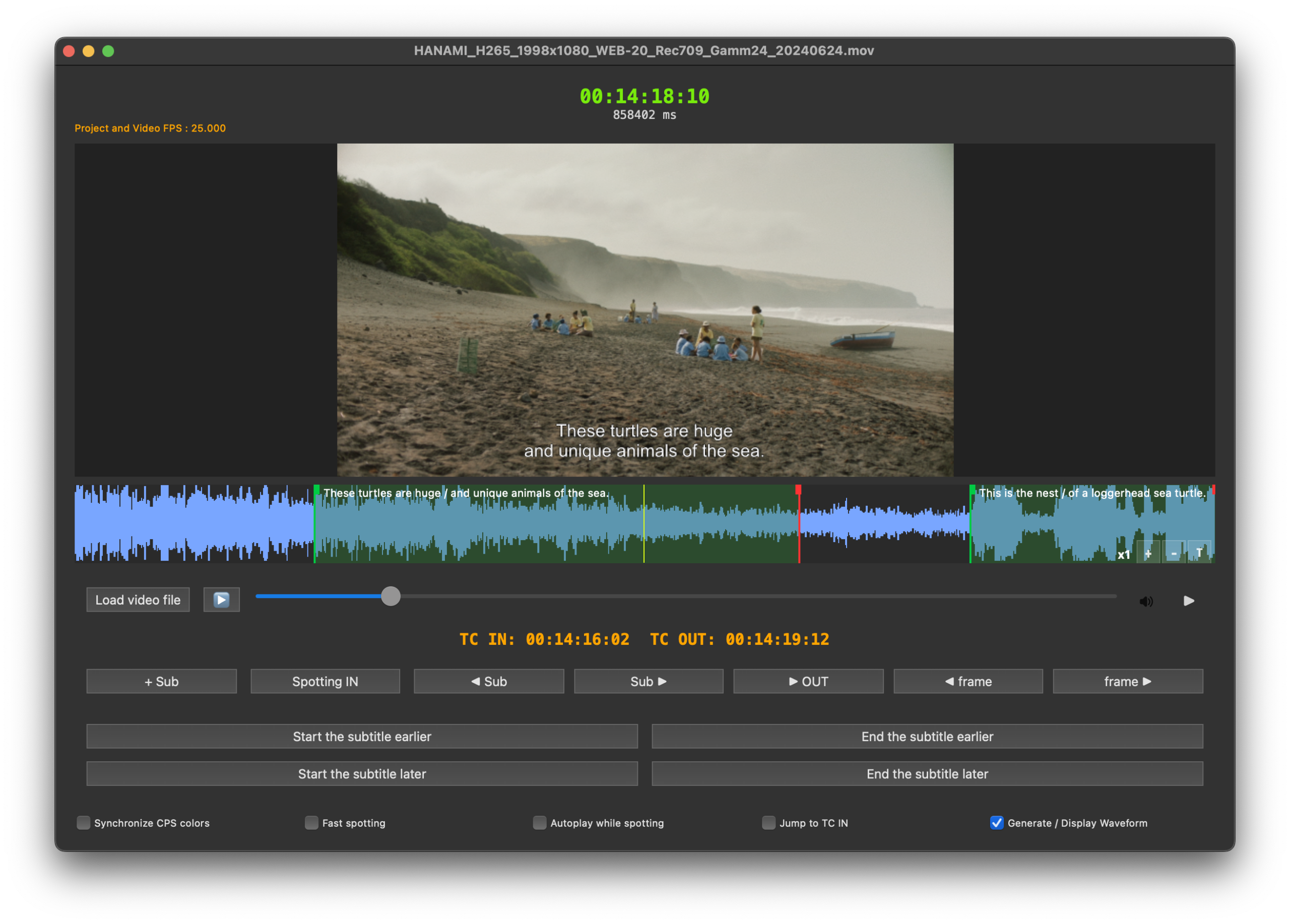
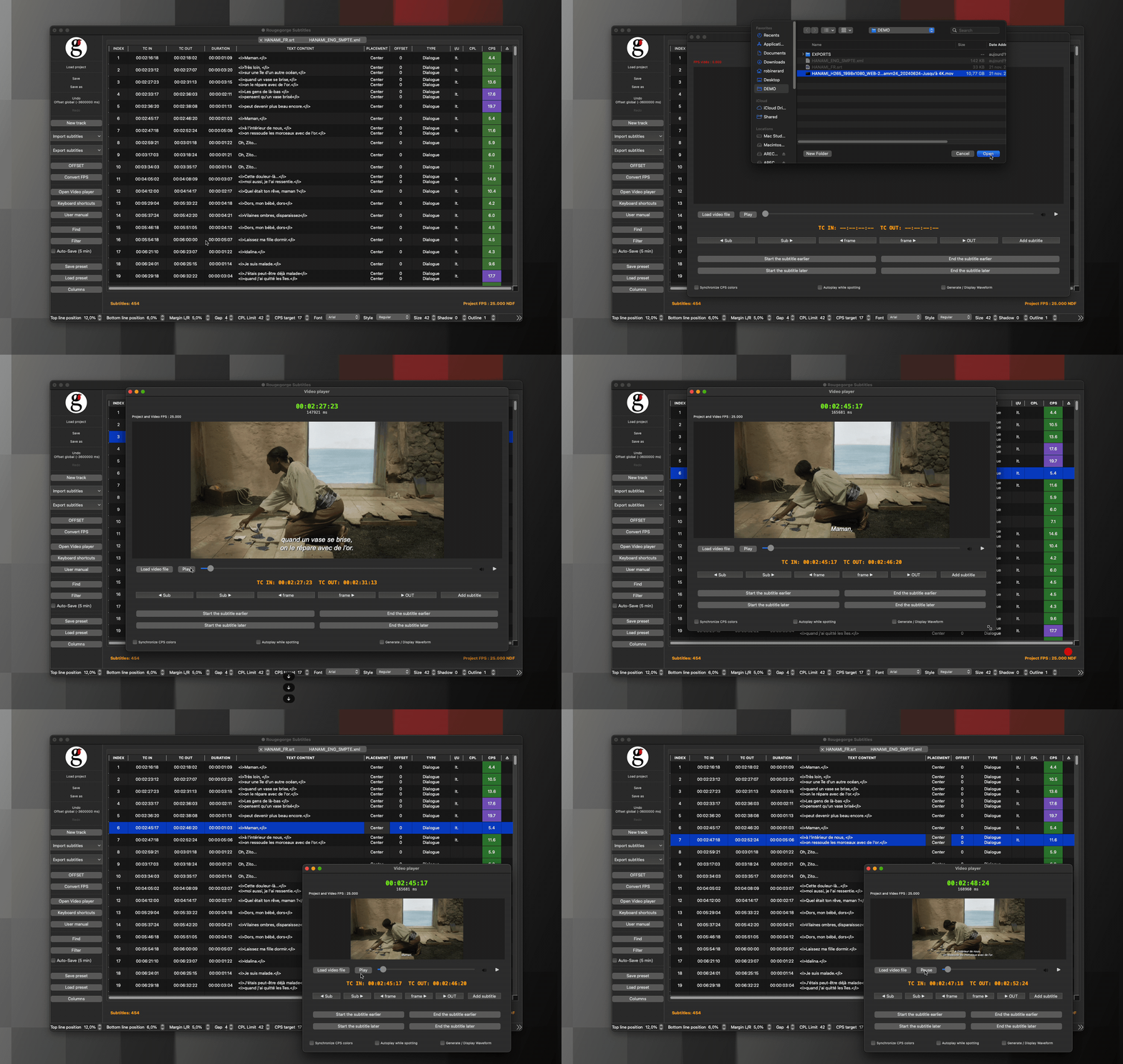
At all times, the video player is always in sync with the subtitle track.
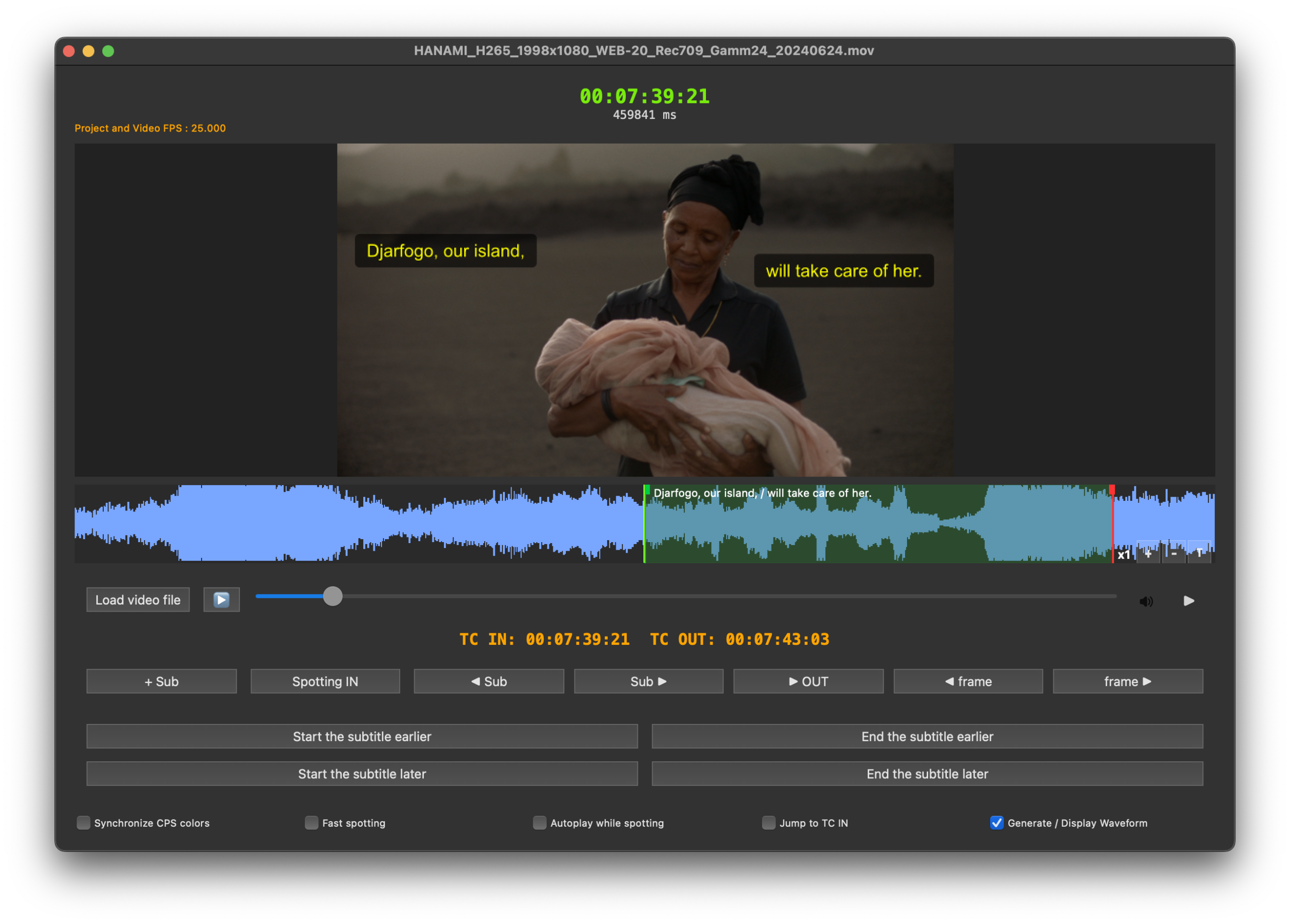
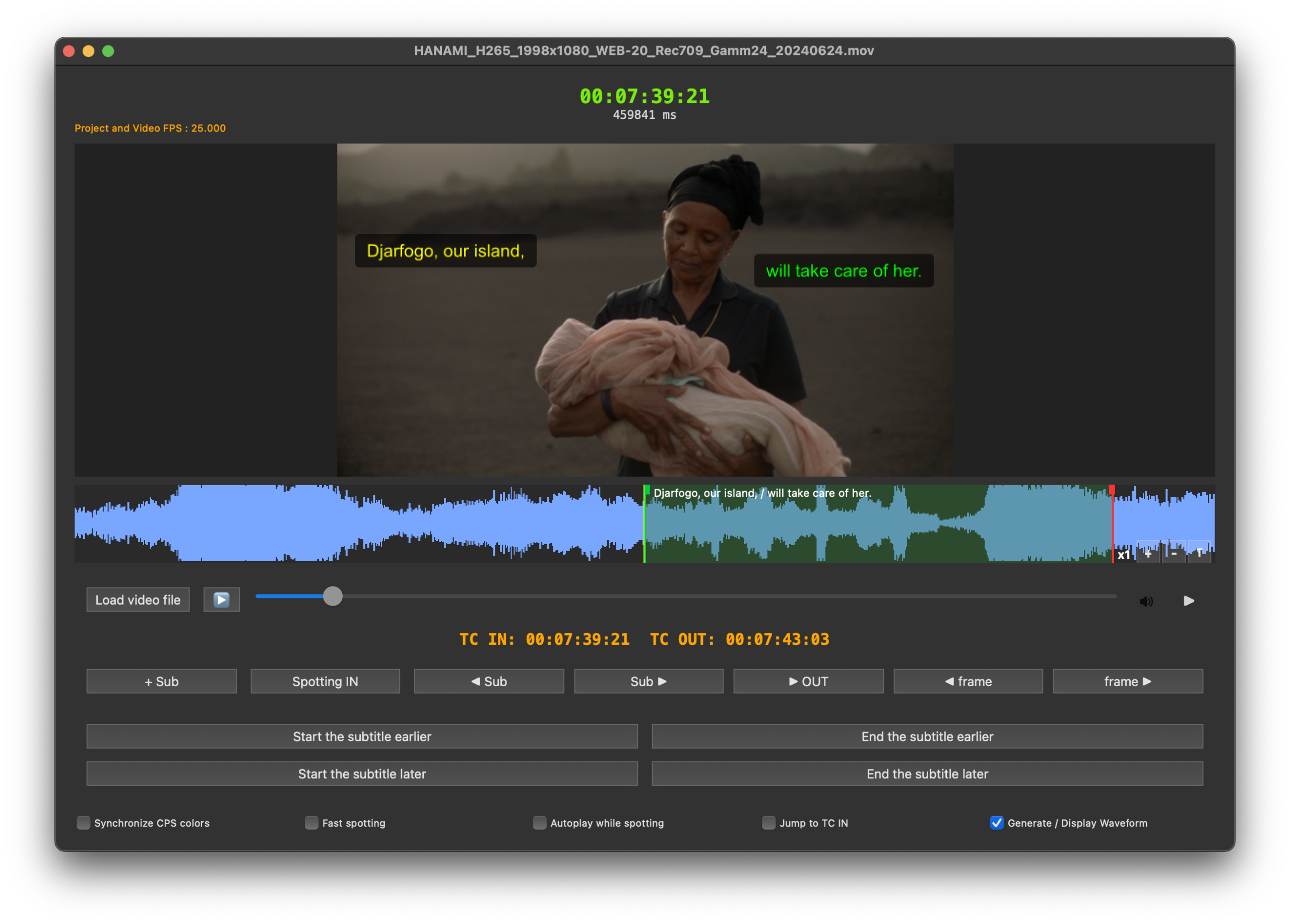
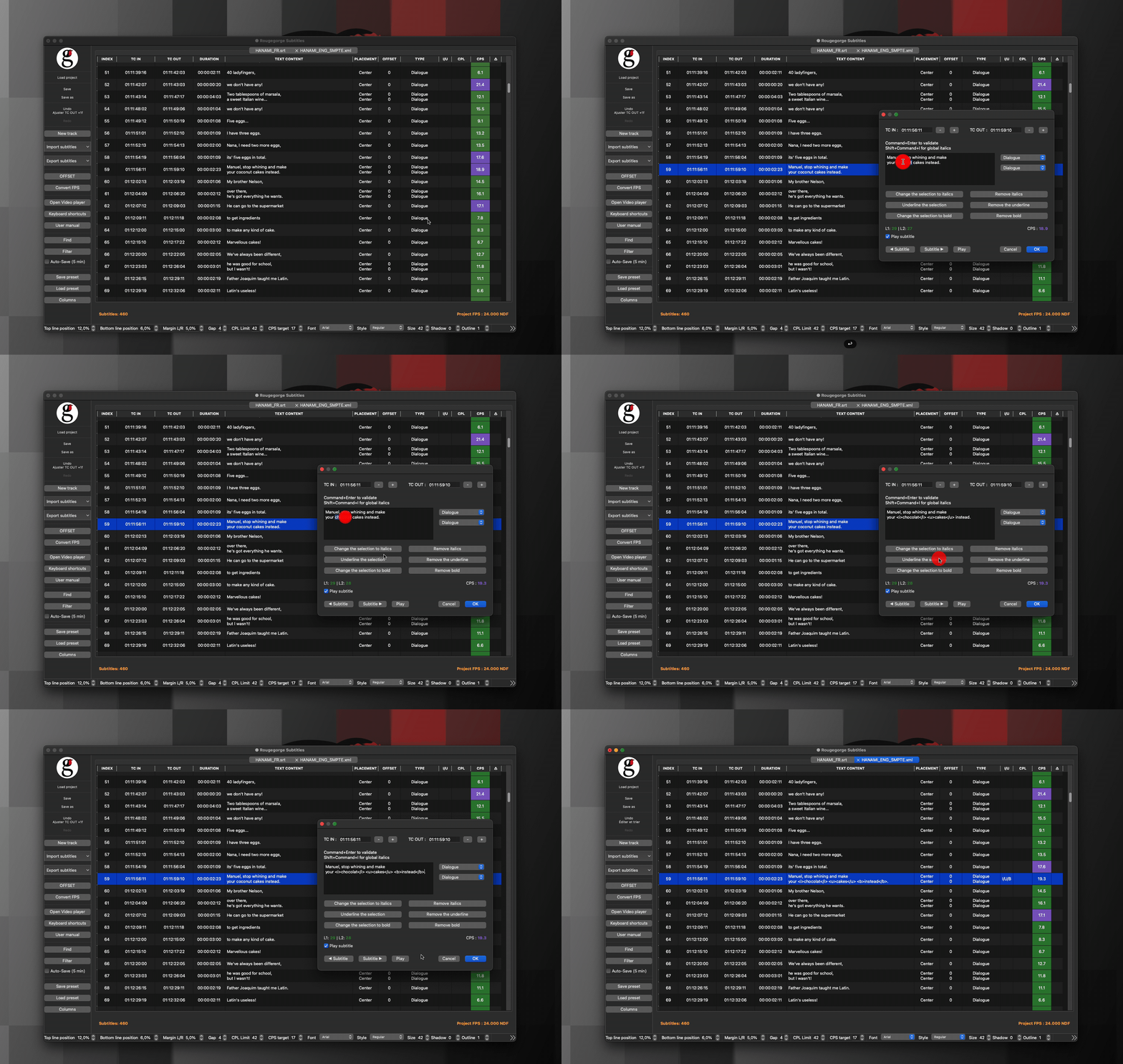
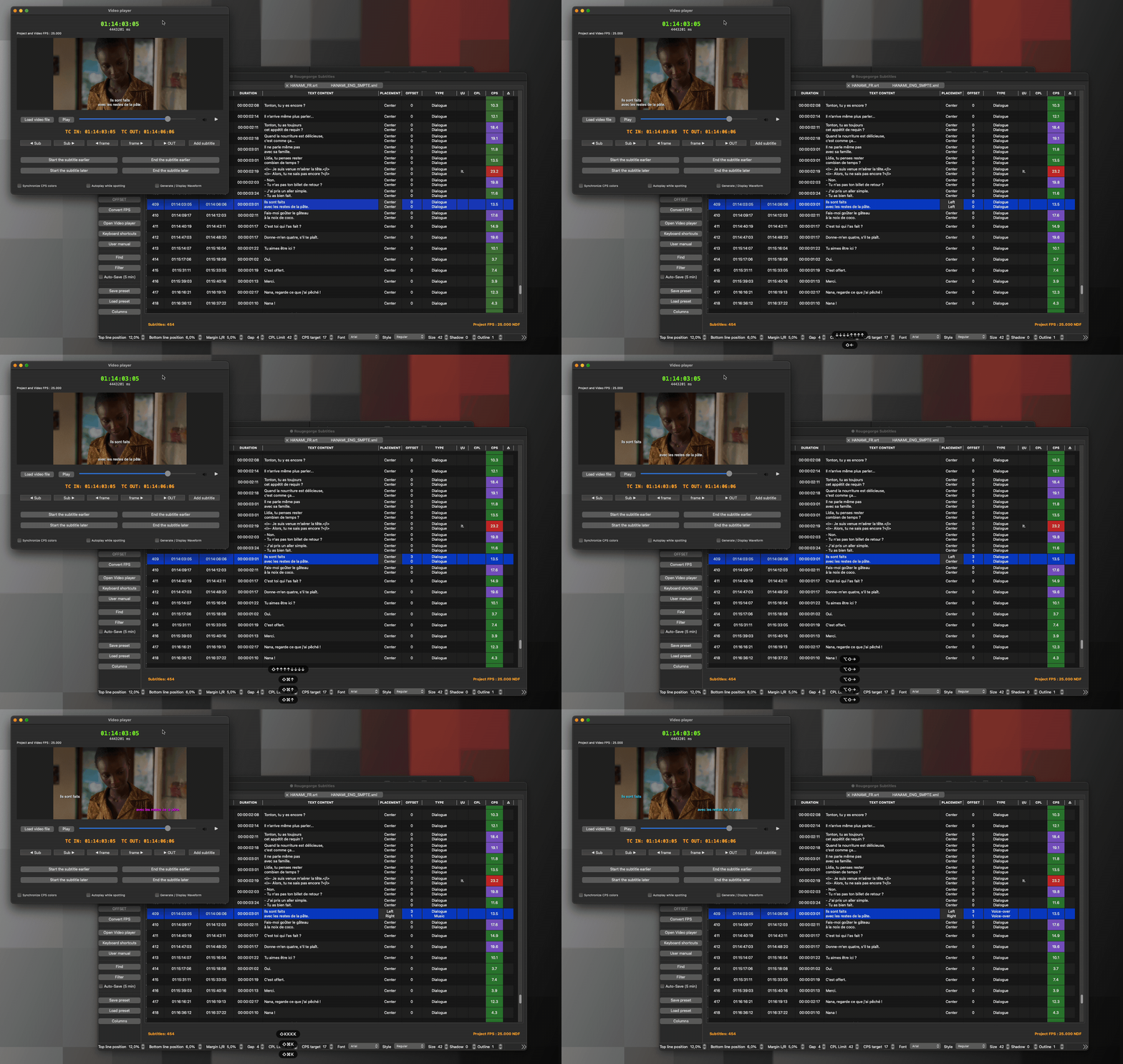
Each subtitle line can be edited separately, ideal for creating an SDH (SME) version of your subtitles.
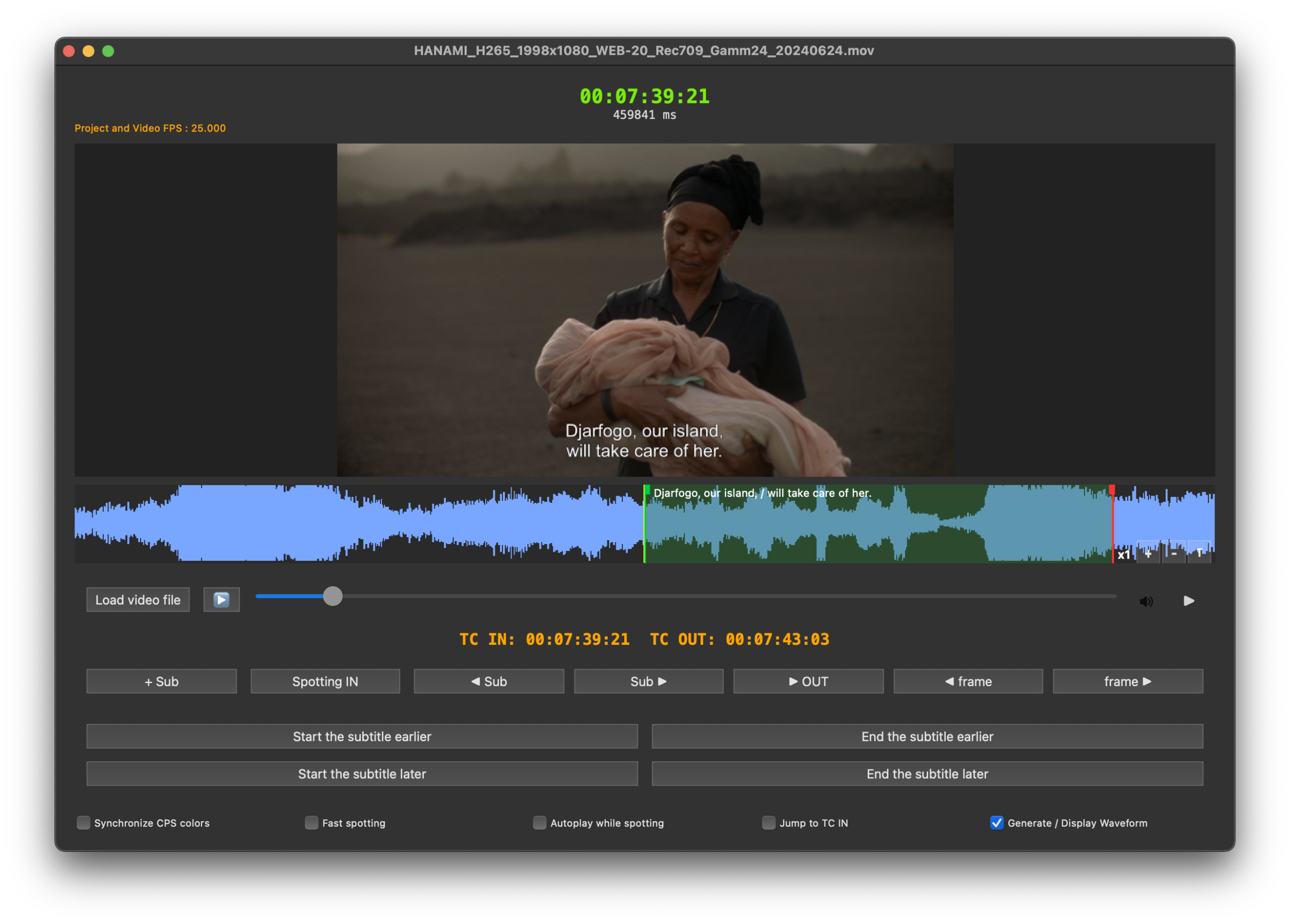
What you see is what you get
The video player shows exactly what you’ll see in the cinema.
Rougegorge Subtitles is SDH compatible.
Subtitles for the deaf and hard of hearing are very easily generated.
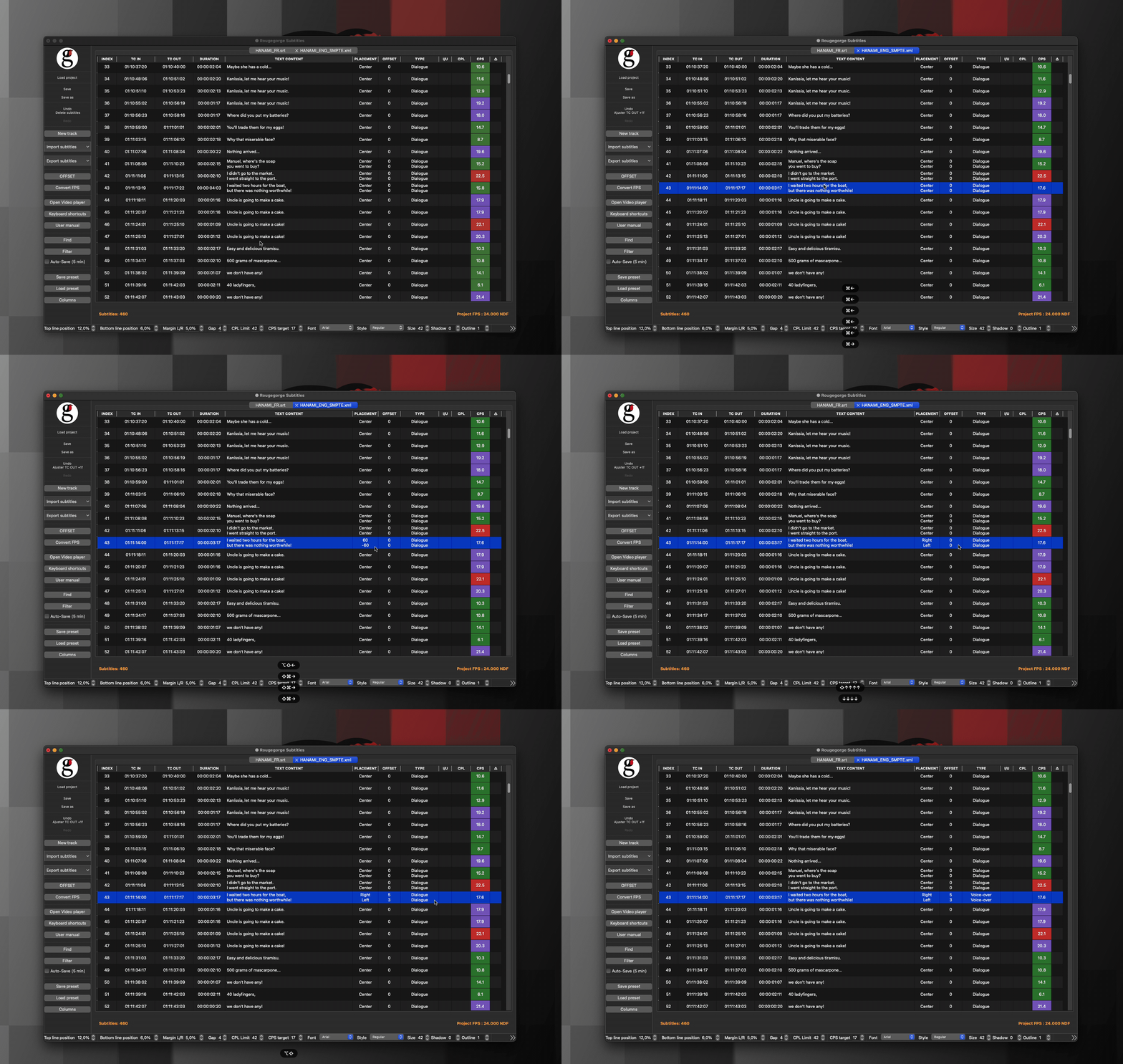
One keyboard shortcut, and voilà, your subtitle is positioned exactly where it needs to be.
Contact Info
Rougegorge Subtitles
* Images from the film Hanami, courtesy of the producer © Alina Film